
XtraCover Top Blade
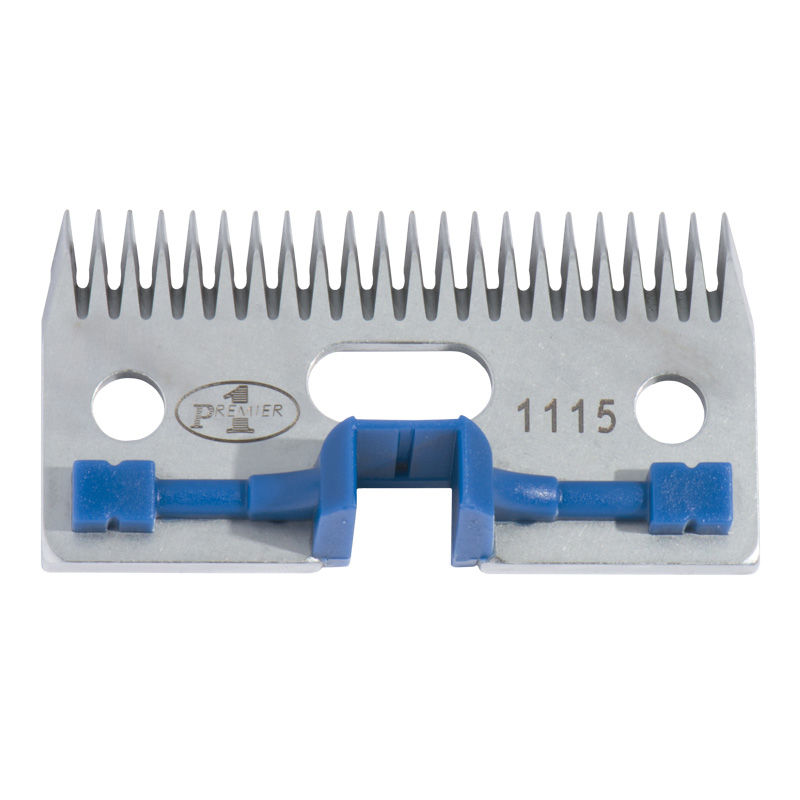
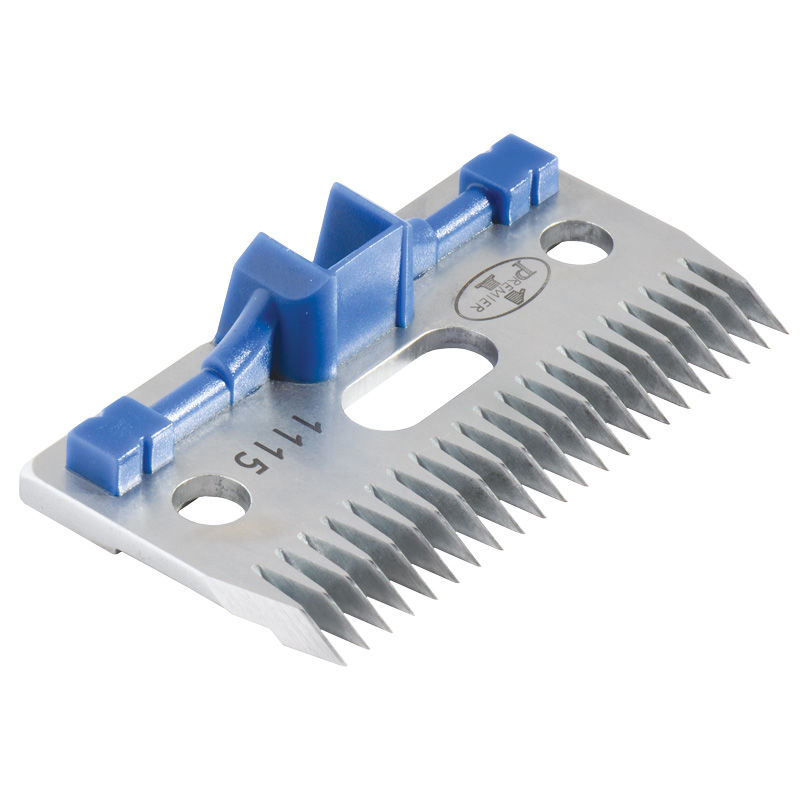
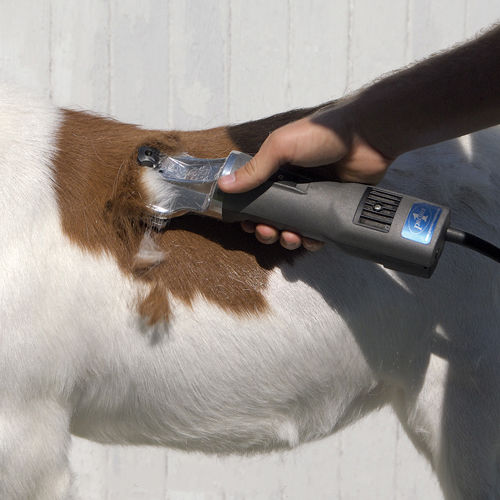
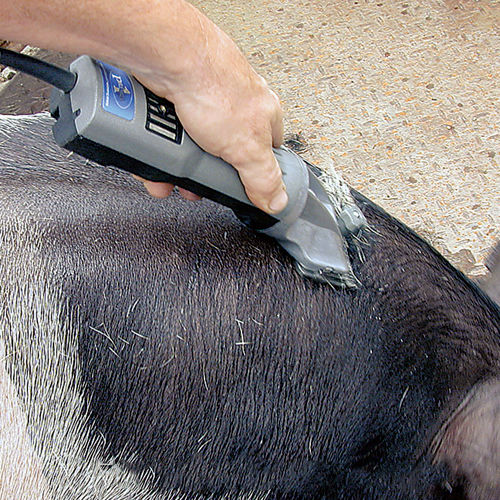
This is the upper and moving portion of our XtraCover blade set. Available as a replacement.
Note: This top blade is included with every set of XtraCover blades.
See our comparison chart for choosing the right clipping blade for each situation.

Instructions/Diagrams:
 How To Install a Blade Set
Common Uses
Specs
Precautions
Proper Storage
- Remove blades/combs/cutters from clipper or shearing machine.
- Clean blades/combs/cutters immediately after use by using a small brush or blowing off any excess dirt or hair. Cover with oil to reduce risk of rust. High carbon steel clipper blades will rust overnight. Rust will destroy both the edge and polished surface of blades.
- Store clipper/shearer and blades away from solvents, chemicals and moisture. Never leave them where they can be damaged by accidental impact.
Sharpening and Cleaning
- Premier offers an in-house resharpening service for all combs, cutters and blades. Rapid turnaround—most are sharpened within 24 hours.
- To reproduce the quality of the cutting edge on the clipper blades that came from the factory, a lapping machine must be used. Most other methods are, in our experience, inferior. In addition to producing a cutting edge that won’t last, some methods can permanently damage blades. The most common “culprit” is using large high speed grinding wheels that are used to sharpen cutters and combs.
Warning: Clipper blades/cutters/combs that have been sharpened by inferior methods or inexperienced people may be damaged to such an extent that they can never be restored to a satisfactory cutting capability. The same is true of blades that have become too heavily pitted by rust.
Listed below are recommended optional components or related items. Your particular situation may require alternative recommendations. Please call and talk to our consultants if there are any questions at 800-282-6631.
-
Clipping and Shearing Machines
Premier 4000c Clipper Package w/case, 4 oz oil and Fine blade set
Item #828001 -For precise removal of fleece and hair. Easy to set up and tension. A powerful, lightweight, cool and quiet motor delivers more torque to the clipper blades.
$332.00 -
Professional Shears
#10 White Clipping Oil, 4 oz bottle
Item #258200 -A high-quality clear clipping and shearing oil to lubricate blades, combs and cutters. Reduces risk of stain to wool fibers and hair.
$3.20 -
Accessories
Premier Blade Box
Item #824605 -Metal storage container for clipping blades and other small items found in the fitting or show box.
$2.40 -
Resharpening Service
Resharpen - LARGE Clipper Blades (per set)
Item #868800 -Resharpen your blades, combs or cutters. Rapid turnaround, precision finish, low cost! Custom-engraving available.
$7.00


Write a Review
You must be logged in to leave a review. Please sign in.
Janet P from Colorado
It was nice not to have to buy the whole set as I already had combs to go with it. The blade worked very well with my comb and shears. If you only need the blade then try buying just the blade. Saves you money! Thanks Premier!